The project that I was set for this assignment was to create a website of my choice that included a video within it. Through the assignment I didn't really change much apart from what the video was about.The project went smoothly and one of my favorite parts of it was gathering the assets for my website.
One of the part of my project that didn't go so well was when I was trying to import the video in the Premier Pro because the sound didn't import with the video. My website technically well because all of all of the links go the correct place.
My website can be seen as both aesthetically good because it look all smooth and nothing to dark. The feedback i got was positive but they thought I should have rehearsed since I stuttered and used fillers quite a bit during the video. "Its a good video but you kept stuttering which isn't so good."
An advantage of a video on a website is that it easier for people to understand what is going on because there isn't wring so some people who have poor eyesight could hear it fine but a disadvantage is that the webpage might lake a long time tp load in the video also there could be problems with buffering when watching it.
If I were the do the task again I would most like spend more time planning and making the video so that it looks more professional. When I was making everything I made sure that everything was stored safely I saved it on the internal hard drive of the computer as well as having a backup on a portable hard drive.
When creating my website I used Premier Pro to edit my video and used PowerPoint to create my website. The types of my images were PNG and the video files are MP4. The reproduction paperwork I completed reece, a minor talent release and risk assessment. DSE Health and Safety at Work Act, Copyright and computer misuse act.
Monday, 12 June 2017

Wednesday, 26 April 2017
Results of Research
My website will be feature photo with a 3 box grid below. it will have 3 columns and 6 Pages.
The navigation bar will be all along the top of the page and fixed with the logo at the top of the page in the center (which will form part of the navigation bar). My colour sceme will be FFFFFF, 7A0D0D and 696969. My heading will be a graphic with both my sub-heading and body text being Sans-Serif with neither being to abstract. The sub-heading will be 23 and the body text will be 16px.
Monday, 24 April 2017
Wednesday, 22 March 2017
Monday, 6 March 2017
Creating Vector Graphics: Photoshop/ Inkscape


Ever so slightly altered the logo on Photoshop because i thoroughly dislike inkcape. I outlined the current en logo with the pen tool and edited it. Once I was happy with what I exported it as a SVG.
Wednesday, 1 March 2017
Creating Vector Graphics
 |
| Raster |
 |
| Raster Zoom |
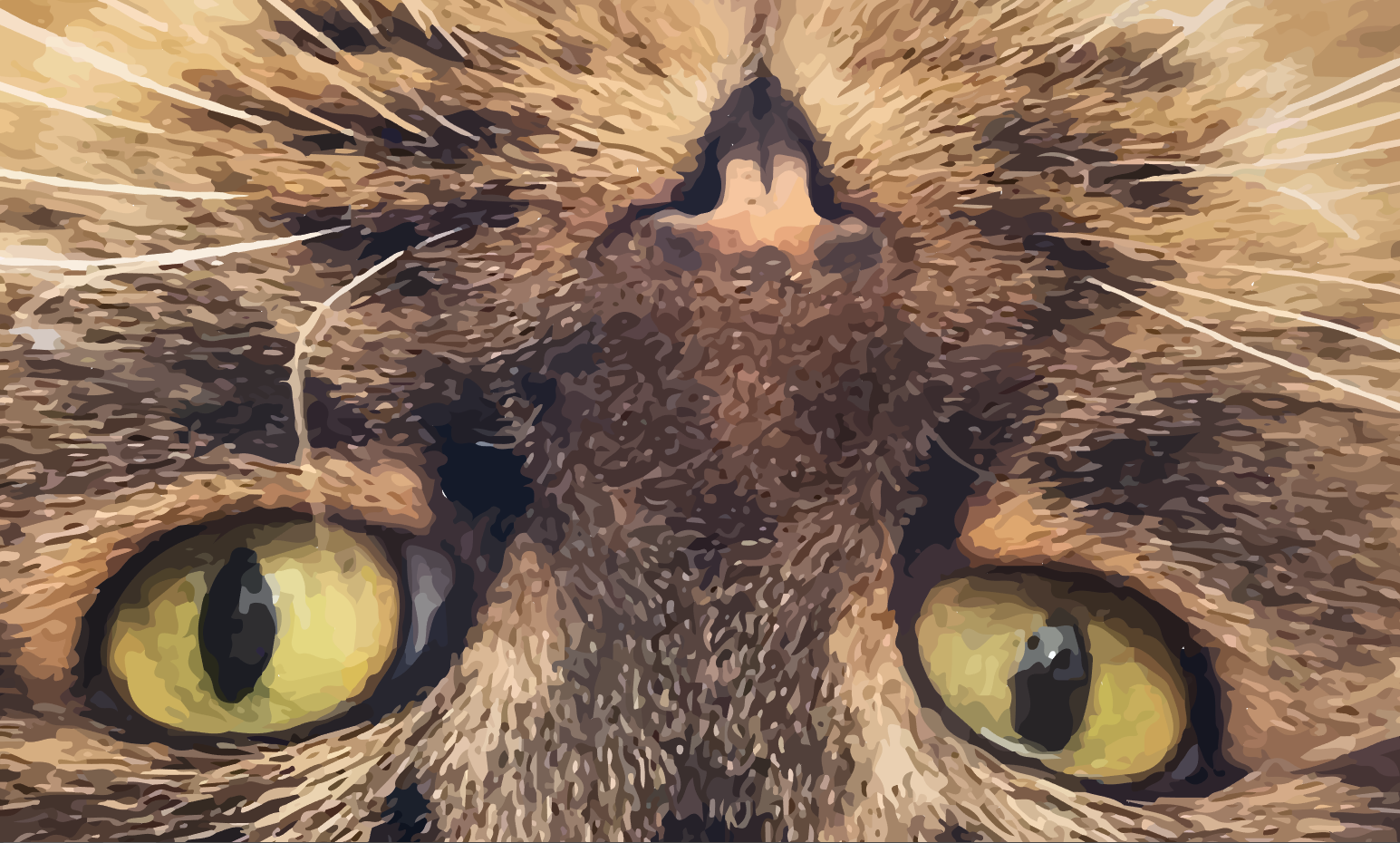 |
| Vector Zoom |
 |
| Raster |
 |
| Raster Zoom |
 |
| Vector Zoom |
Thursday, 23 February 2017




Wednesday, 22 February 2017




Wednesday, 8 February 2017
Thursday, 2 February 2017
Thursday, 26 January 2017
Wednesday, 25 January 2017
Thursday, 19 January 2017
Monday, 16 January 2017

Wednesday, 11 January 2017
Monday, 9 January 2017
Thursday, 15 December 2016
Thursday, 8 December 2016
Photoshop Evaluation
Photoshop is a program that is use in the creative media industry because it is a way to create and alter pictures. We were set two tasks the first was creating an movie poster with Chris Hemsworth and the second was an airbrushing task where we had to alter any imperfections of a woman. These are my two finished tasks:
I feel like I was able to use Photoshop quite well, I didn't struggle and I didn't know what to do without looking at some instructions on how to use the tools properly or how to do something. I don't have a favorite tool on Photoshop however I thoroughly enjoy using the program and some of the tools, such as clone stamp tool. You can make some really funny pictures using the clone stamp tool or create some very perfectionist pieces of work. The only down side is that it is only most effective with still images. I am very happy how my action poster ended up, however I am not as happy with my air brush task, I just struggled at trying to make her perfect, I think its more of a moral than a technical issue. Through using Photoshop I have learnt that Photoshop is actually commonly used by professionals MORE DETAIL. There currently isn't anything that I need help with due to not using Photoshop in lessons at the moment BUT IN THE FUTURE. Photoshop is used in regards to interactive media due to the ease of access and range of different tools OK BUT WHAT IS IT USED TO PRODUCE? GIVE SOME EXAMPLES.
 |
| Airbrushing Task |
 |
| Action Poster Task |
I feel like I was able to use Photoshop quite well, I didn't struggle and I didn't know what to do without looking at some instructions on how to use the tools properly or how to do something. I don't have a favorite tool on Photoshop however I thoroughly enjoy using the program and some of the tools, such as clone stamp tool. You can make some really funny pictures using the clone stamp tool or create some very perfectionist pieces of work. The only down side is that it is only most effective with still images. I am very happy how my action poster ended up, however I am not as happy with my air brush task, I just struggled at trying to make her perfect, I think its more of a moral than a technical issue. Through using Photoshop I have learnt that Photoshop is actually commonly used by professionals MORE DETAIL. There currently isn't anything that I need help with due to not using Photoshop in lessons at the moment BUT IN THE FUTURE. Photoshop is used in regards to interactive media due to the ease of access and range of different tools OK BUT WHAT IS IT USED TO PRODUCE? GIVE SOME EXAMPLES.
Monday, 5 December 2016
Friday, 2 December 2016
Unit 01 feedback
Josh,
You did not start the year very well and you found yourself easily distracted and often distracted others but you put your head down after the half term and have been working so much better since. Well done and don't revert back!
Below are some final changes / additions for unit 01:
To do;
You did not start the year very well and you found yourself easily distracted and often distracted others but you put your head down after the half term and have been working so much better since. Well done and don't revert back!
Below are some final changes / additions for unit 01:
To do;
- Proposal needs lots of detail
- check S, P & G on posts
- website analysis post is incomplete
- add more detail to learner diary
- explain your moodbard images
Updated changes:
- Learner Diary - link terms to your own work, e.g., who was your client, what was the brief, what template did you use and why?
- Website Analyses (why are they suitable for the specified demographic; males and females aged between 15-17) - incomplete, hex codes and typography details are missing (for 3 websites)
- Website navigation flowchart - missing
- Proposal - details needed about hex codes and typography (specifics)
- Amended website designs (based on feedback) and summary of whether the changes are beneficial (with justifications) - add whether you prefer the changed version and say why
Subscribe to:
Posts (Atom)